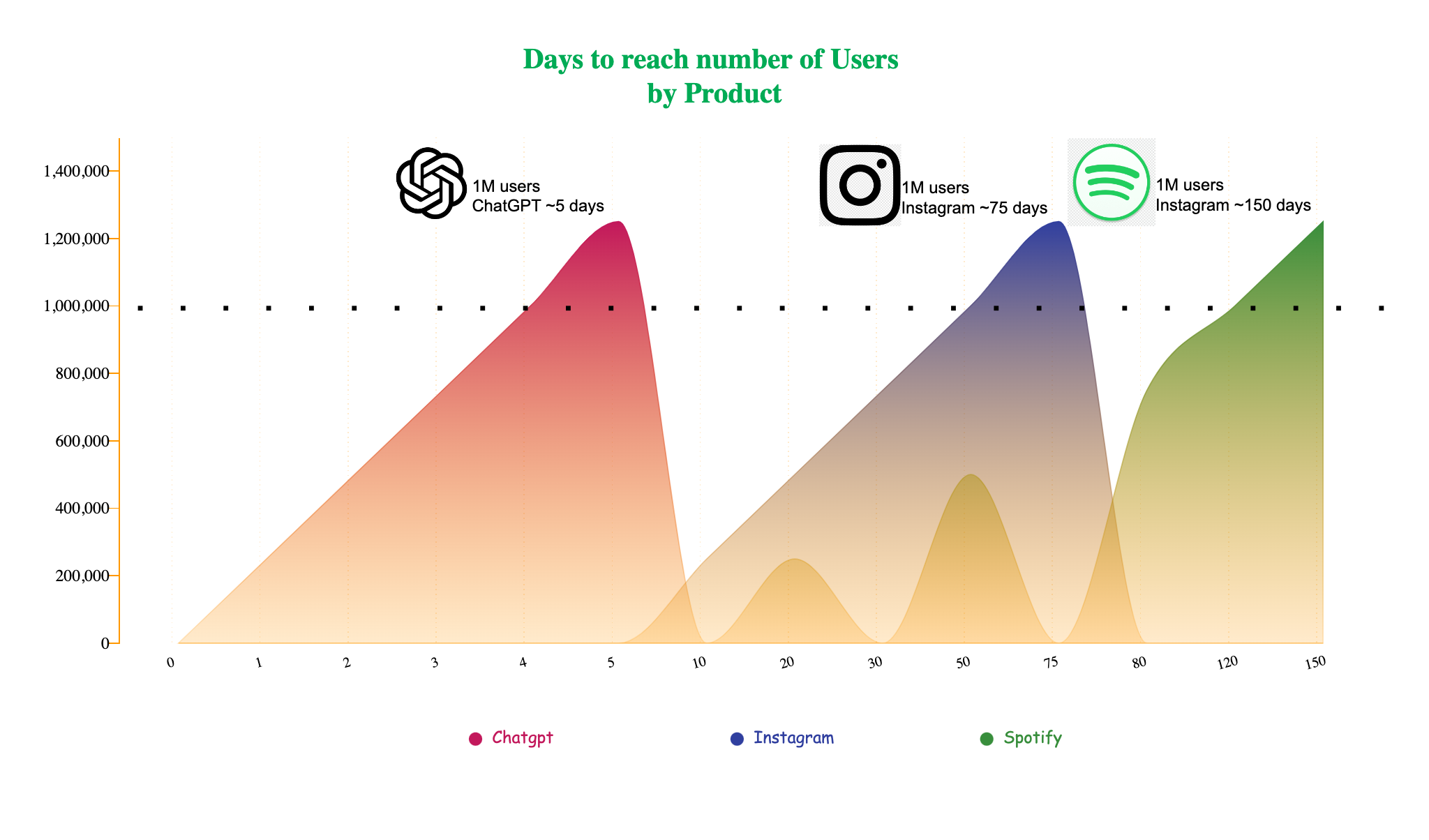
Annotation
Annotations help readers understand your visual story quickly. They are freely positioned, multi-line text blocks that you can drag anywhere on the canvas.
You can customize font family, size, color, and rotation.
Image
Annotations can include resizable images in addition to text. To add an image:
- Enter an image URL in the annotation settings panel.
- Copy an image URL, click anywhere on the canvas, and paste it (for example,
CMD+Von Mac).
Example: