Postgres SQL
Connecting a Postgres database in Columns takes only a few steps.
Network Access
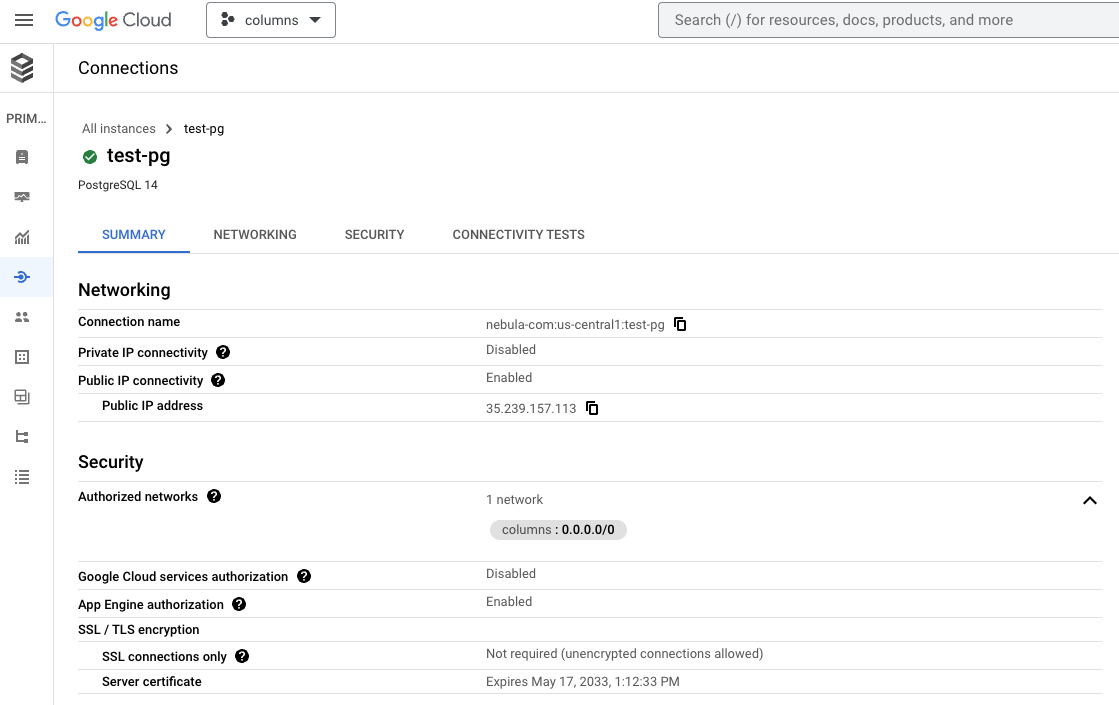
Columns connects through private infrastructure.
If your Postgres instance uses IP allowlisting and no specific Columns egress IP is configured, you may need to allow broader traffic temporarily (for example 0.0.0.0/0) based on your security policy.
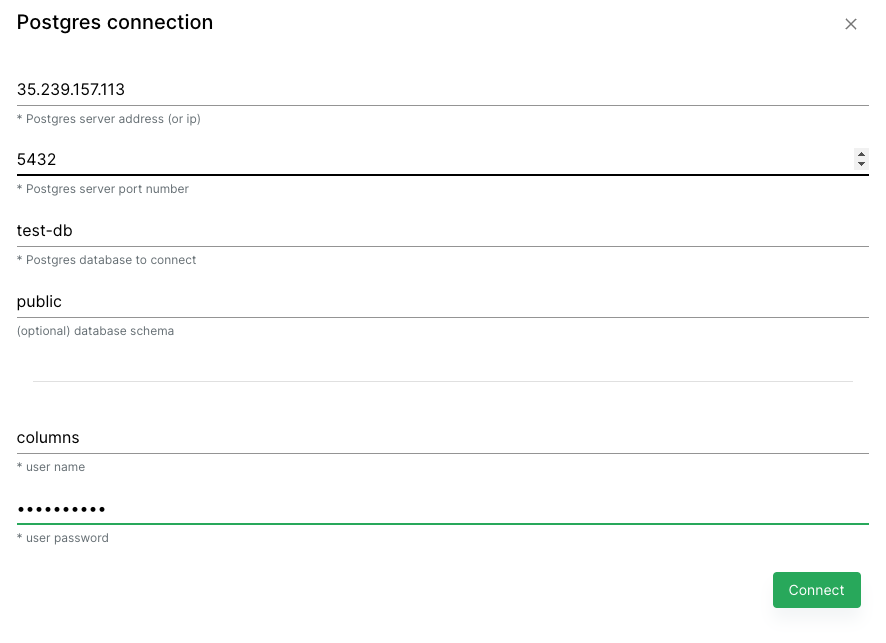
Required Connection Fields
Provide:
- host/service address
- database name
- username
- password
Example setup:
Google Cloud SQL reference: