Word Cloud
Word clouds rank words by value (usually frequency) using size and color.
Generation Modes
Columns supports two modes:
- Word + metric mode: one key field (word) and one metric
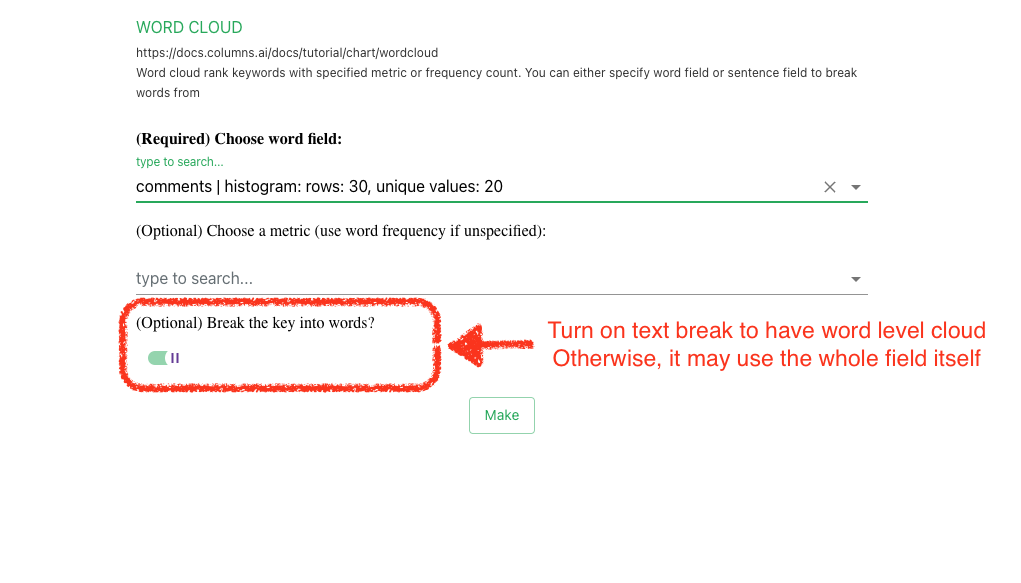
- Word-break mode: a text field that is tokenized into words and counted
A dedicated wizard helps generate word clouds in either mode.
Illustration
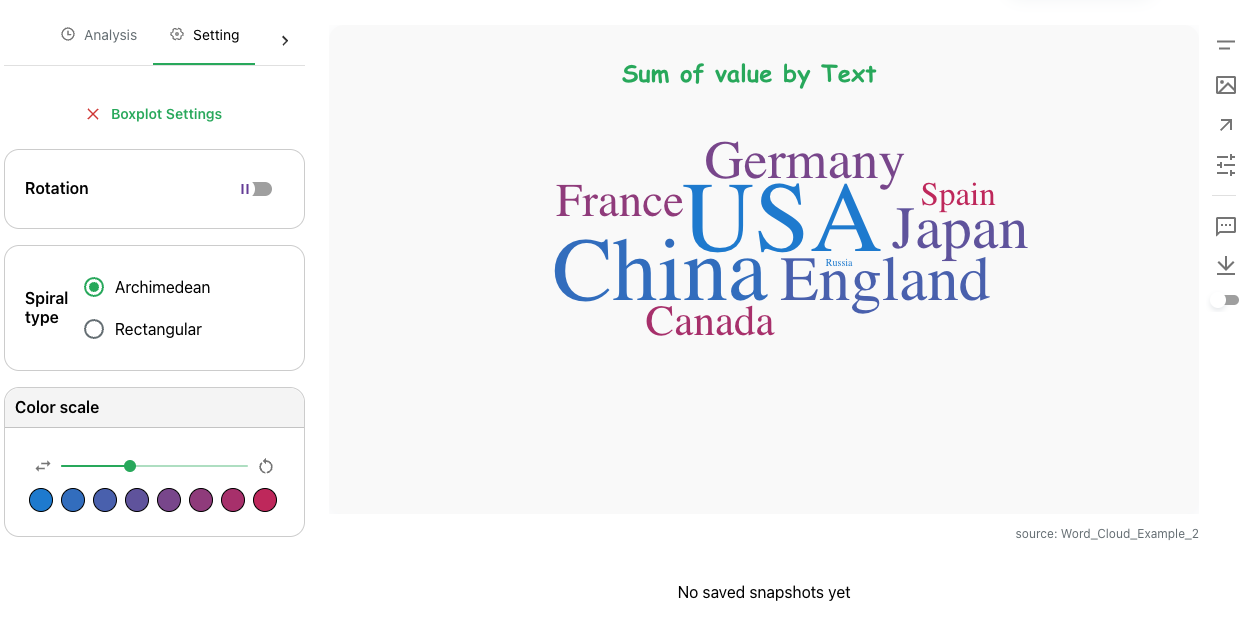
Example output:
Word Break
Word-break can be enabled in both the wizard and chart settings.
Current word-break processing is client-side and may not scale well for very large text volumes. Backend scaling work is tracked here: https://github.com/varchar-io/nebula/issues/184
Settings
Click the chart to open settings.
Available options include:
- Rotation: random word angle
- Spiral: placement pattern
- Palette: color assignment
- Word range: top-N range by metric
- Exclusions: space-separated words to ignore (case-sensitive)