Notion Database
Columns can connect to Notion databases through OAuth and turn them into analyzable datasets.
Authorize Notion
On first use, authorize Columns to access your Notion workspace.
If you need to switch workspaces later, reconnect Notion from your profile.
Create a Connection
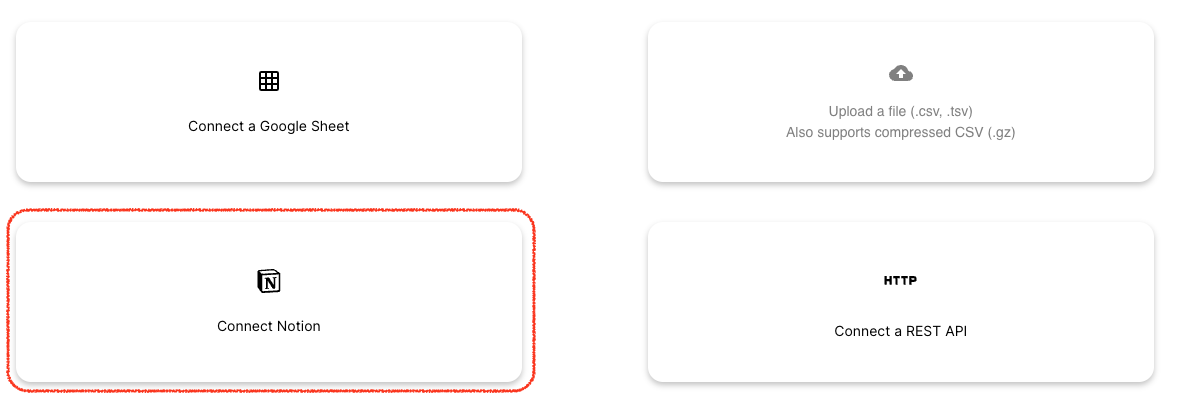
You can connect Notion from:
- the Data Connections page
- the Connect New Data flow inside the visual composer
Property Mapping
Columns maps Notion property types into analysis-friendly fields.
If you find a missing or incorrect mapping, contact support@columns.ai.
Post Visuals Back to Notion
After building a visual, you can post it back to your Notion page using the Notion icon in graph tools.
The post includes:
- a preview thumbnail
- a link back to Columns for continued exploration
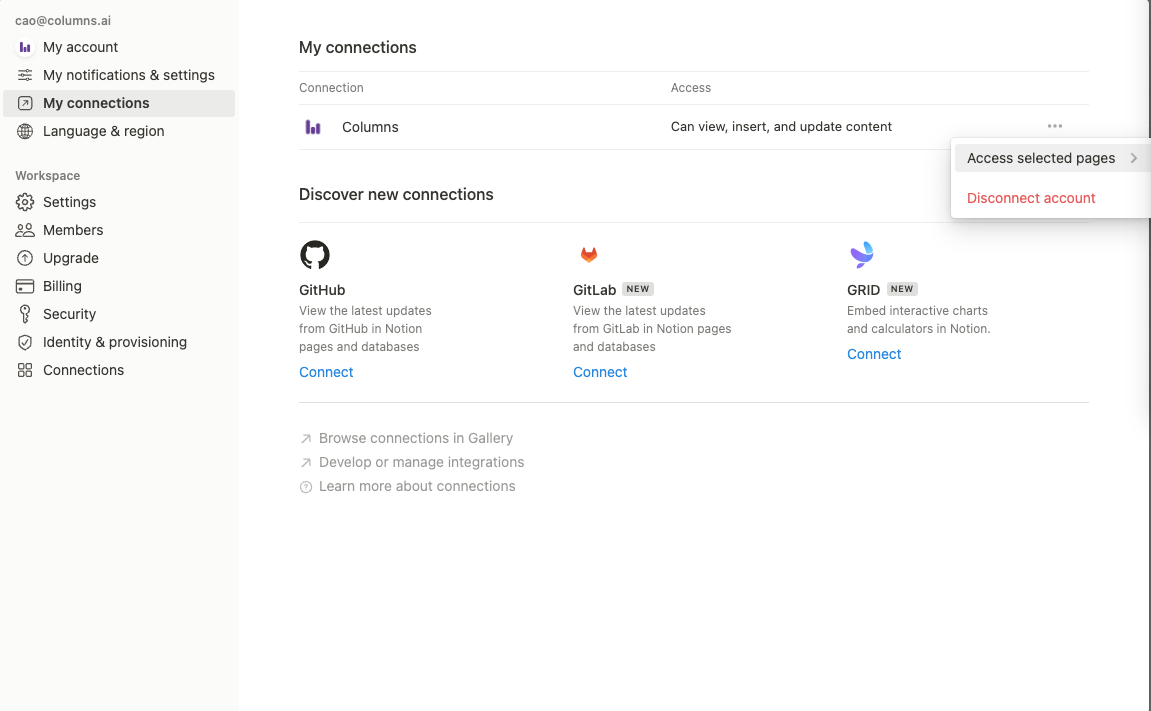
Manage Page Access
If a new Notion database does not appear in Columns, verify that Columns has access to that page/database in Notion settings.
Reconnect to a Different Workspace
To reconnect Notion:
- Go to Profile
- Open Connections
- Click Reconnect Notion
Sync Behavior
Notion supports on-demand sync. After changing data in Notion, trigger sync in Columns to refresh immediately.
Walkthrough
Video guide: https://youtu.be/tsQFXGBaV1g